



 | Read in browser   |
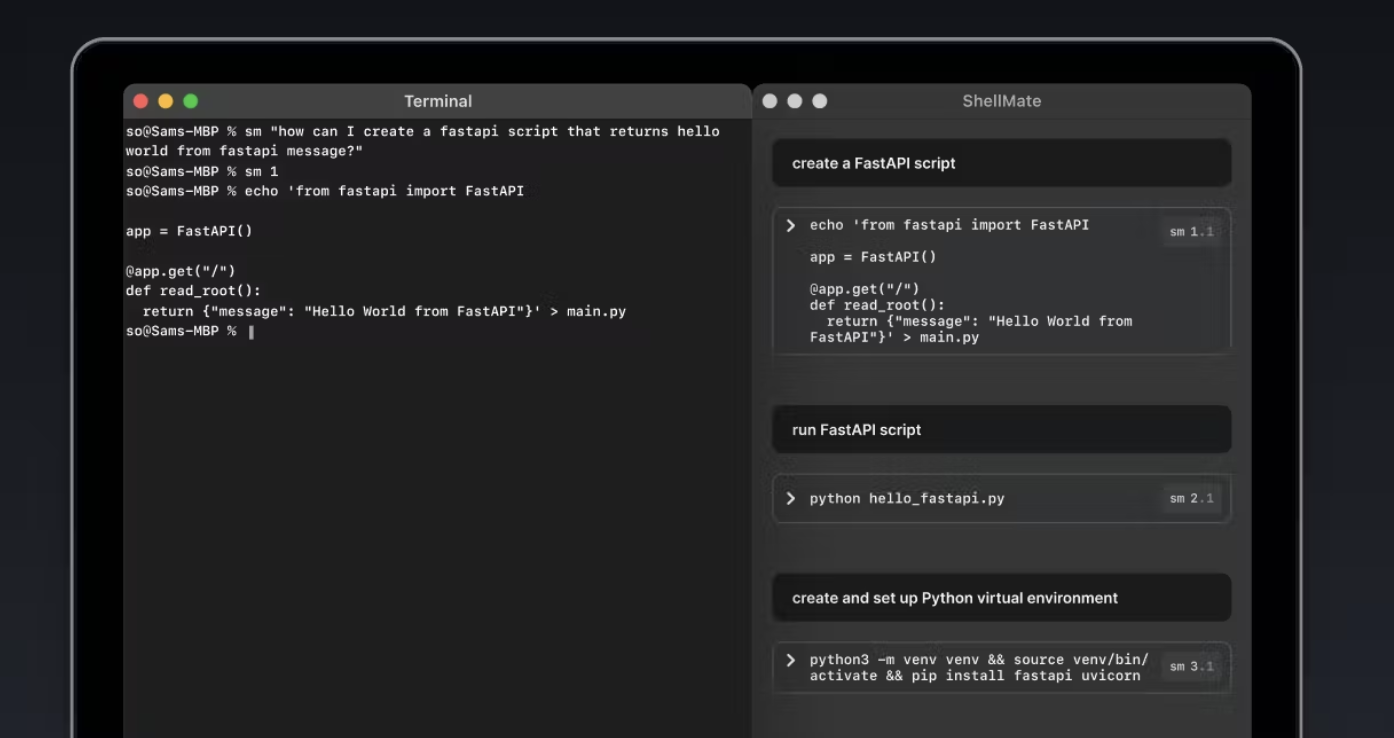
You've probably seen the word Copilot thrown around a lot lately. Since AI burst onto the scene, Copilots — AI agents trained to help or even complete a specific task, have become increasingly popular. Some Copilots fix bugs, write essays, handle spreadsheets, and more. Now, there's one for the command line.
Built by a team of designers and developers, including Sam Odio, co-founder and former CEO of Freshplum, ShellMate is a lightweight, open-source app that aims to add superpowers to your Mac Terminal. As Sam puts it, "For developers, everything starts and ends in Terminal." The last thing you want to do is break focus by heading to Google or ChatGPT for assistance.
As you hack away, the AI assistant will seamlessly provide dynamic assistance within your Mac Terminal while you keep your flow intact. It works in the background to automatically detect bugs and suggest fixes. You can ask ShellMate questions about your Mac terminal context and quickly highlight specific lines of text to call attention to an issue you need help with. It can even suggest the following command based on the ones you've run already.
The goal is to keep you in the Terminal and keep your concentration flow intact. Instead of jumping between different apps and sites to get assistance, ShellMate offers that assistance in-app.
As mentioned above, it's also open-source, and Sam is looking for other passionate developers to help develop it even further. You can contribute to ShellMate by heading to the GitHub repo.


MAKER TOOLS
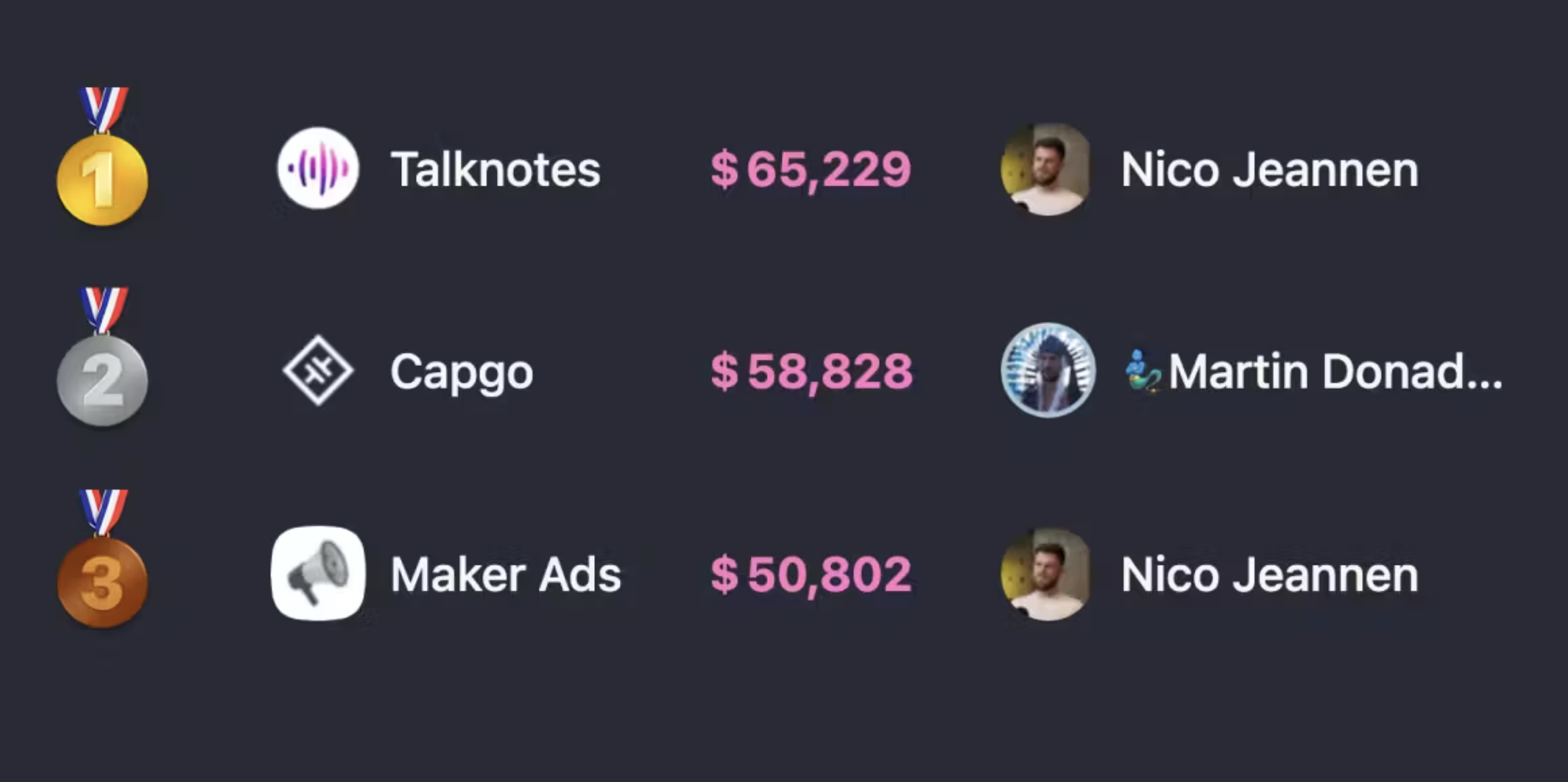
Startups Leaderboard lets you showcase all your startups on a single page with IndiePage to compete with other solo developers and climb the leaderboard.
Dev Utils is a set of lightweight, client-side developer utilities built for conversion. Being client-side keeps them private, and it comes with cmd+k search.
AI TOOLS
Conversational Replicas lets developers build live video conversations with digital twins – that actually feel real.
Boggl lets you record your thoughts and turn them into well-crafted requirements, release notes, and customer product documents.
FUN TOOLS
Keyboard Sounds is a tool that runs in your system tray and plays sound effects when you type on your keyboard.
Drippi is a social media app that lets you take a picture of your friends and turn them into whatever you want with the power of AI.
 Tweet
Share this post to
Tweet
Share this post to


AWK KHAN


 Back to top
0 comments:
Post a Comment